
OMOMI 2.02.1.2 - App Store
You'll be able to see results in few seconds.
Publisher Description

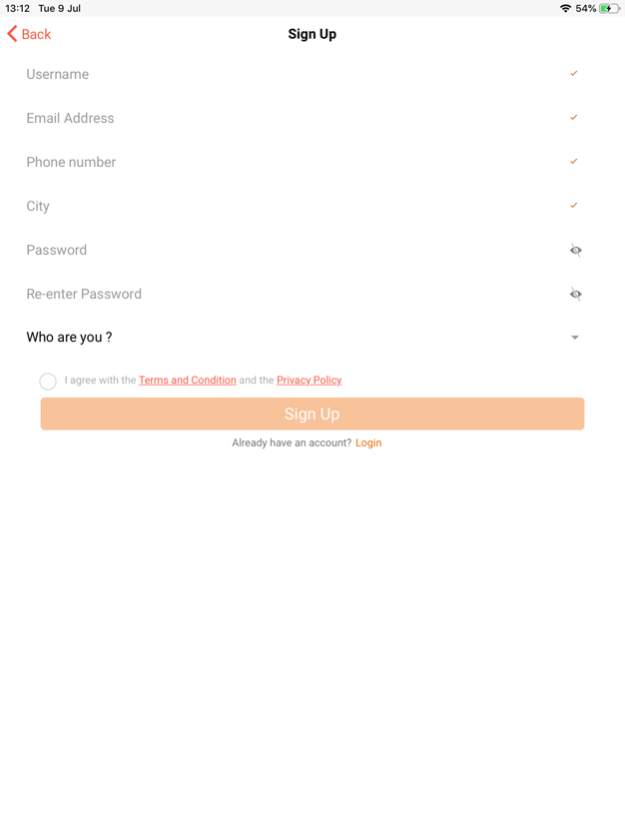
Omomi (meaning ‘My Child’) is an app that provides mothers and expectant mothers with life-saving maternal and child health information while connecting them to medical personnel in real-time.
With Omomi, a mother has a doctor at her fingertips 24/7, because on the app, mothers can chat privately with doctors at any time of the day or night.
Omomi has a vibrant online community called the mothers’ community. On the Omomi mothers’ community, mothers can interact with one another and share their experiences on motherhood, childbirth, childcare and even marriage and relationships.
Using Omomi, mothers can also monitor their children’s progress using the growth monitor and they can manage childhood diarrhoea at home using our interactive, step-by-step guide. Furthermore, they can also keep track of their menstrual cycles using the menstrual calculator.
MAIN FEATURES:
• Private Chat with a doctor
• Mother's Community
• Growth Monitor
• Diarrhoea management
• Information on Breast Feeding, Food Supplementation & Family Planning
• Maternal calculator
We take all of your suggestions and feedback very seriously to improve Omomi. Do keep sending them to info@mobicure.biz
Dec 10, 2020
Version 2.1.2
Thanks for using omomi! What's New :
New feature:
- Chatbot
A new chat session is now first received by our Omomi Health Assistant chatbot that asks the mother questions about their symptoms, and then invites one of our doctors to attend to the mother.
- Save Hospital Reviews as PDF
Bugs fixed
We have crushed bugs to make the app better.
About OMOMI 2.0
The company that develops OMOMI 2.0 is MOBicure Integrated Solutions. The latest version released by its developer is 2.1.2.
To install OMOMI 2.0 on your iOS device, just click the green Continue To App button above to start the installation process. The app is listed on our website since 2020-12-10 and was downloaded 0 times. We have already checked if the download link is safe, however for your own protection we recommend that you scan the downloaded app with your antivirus. Your antivirus may detect the OMOMI 2.0 as malware if the download link is broken.
How to install OMOMI 2.0 on your iOS device:
- Click on the Continue To App button on our website. This will redirect you to the App Store.
- Once the OMOMI 2.0 is shown in the iTunes listing of your iOS device, you can start its download and installation. Tap on the GET button to the right of the app to start downloading it.
- If you are not logged-in the iOS appstore app, you'll be prompted for your your Apple ID and/or password.
- After OMOMI 2.0 is downloaded, you'll see an INSTALL button to the right. Tap on it to start the actual installation of the iOS app.
- Once installation is finished you can tap on the OPEN button to start it. Its icon will also be added to your device home screen.
Program Details
System requirements
Download information
Pricing
Version History
version 2.1.2
posted on 2020-12-10
Dec 10, 2020
Version 2.1.2
Thanks for using omomi! What's New :
New feature:
- Chatbot
A new chat session is now first received by our Omomi Health Assistant chatbot that asks the mother questions about their symptoms, and then invites one of our doctors to attend to the mother.
- Save Hospital Reviews as PDF
Bugs fixed
We have crushed bugs to make the app better.
Disclaimer
Official App Store Link
We do not host OMOMI 2.0 on our servers. We did not scan it for viruses, adware, spyware or other type of malware. This app is hosted by Apple and passed their terms and conditions to be listed there. We recommend caution when installing it.
The App Store link for OMOMI 2.0 is provided to you by apps112.com without any warranties, representations or guarantees of any kind, so access it at your own risk.
If you have questions regarding this particular app contact the publisher directly. For questions about the functionalities of apps112.com contact us.
